> ## Documentation Index
> Fetch the complete documentation index at: https://documentation.deluxhost.net/llms.txt
> Use this file to discover all available pages before exploring further.
# Rescue System
Follow [this guide ](https://documentation.deluxhost.net/vps/controlpanel)to find out how to access the control panel
## How do I access the Rescue System?
**1.** Access your server's [control panel](https://documentation.deluxhost.net/vps/controlpanel).
**2.** Once inside, click on `Rescue Mode` button.
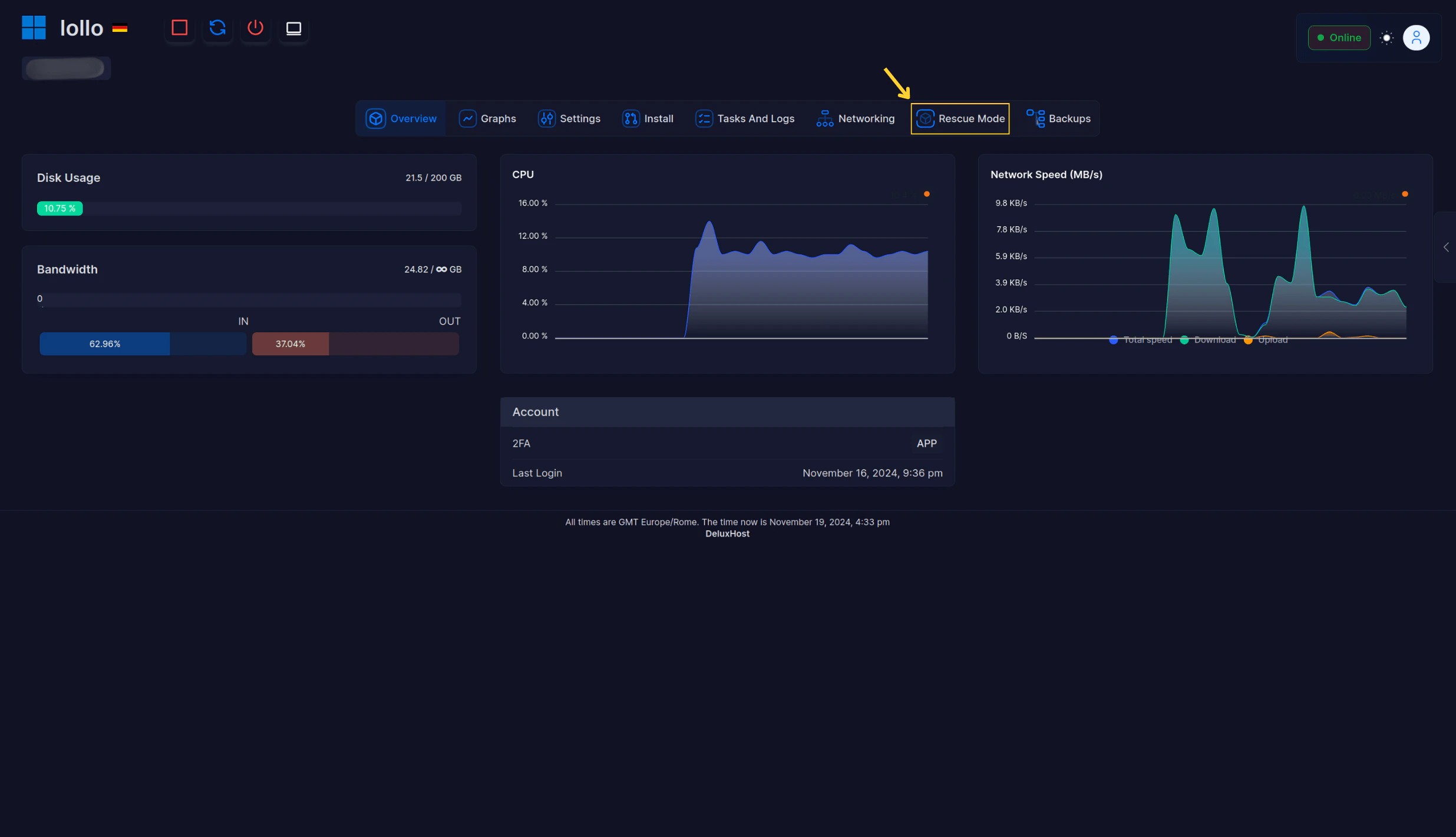 **3.** Next, set a **temporary** password in the appropriate fields, and click on `Enable Rescue System`.
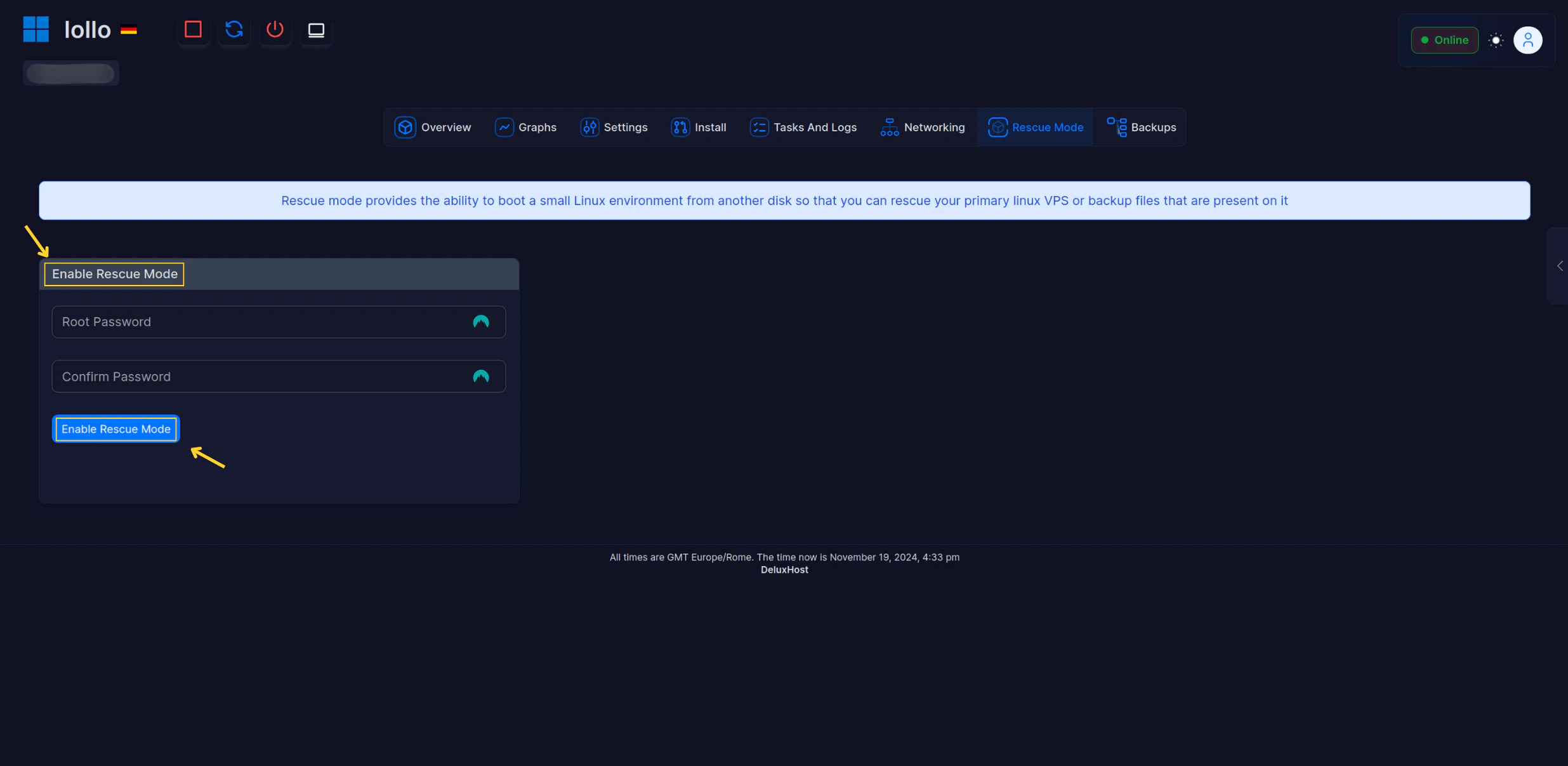 **4.** Once activated, wait a **couple** of minutes for the VNC service to turn on, and restart the service.
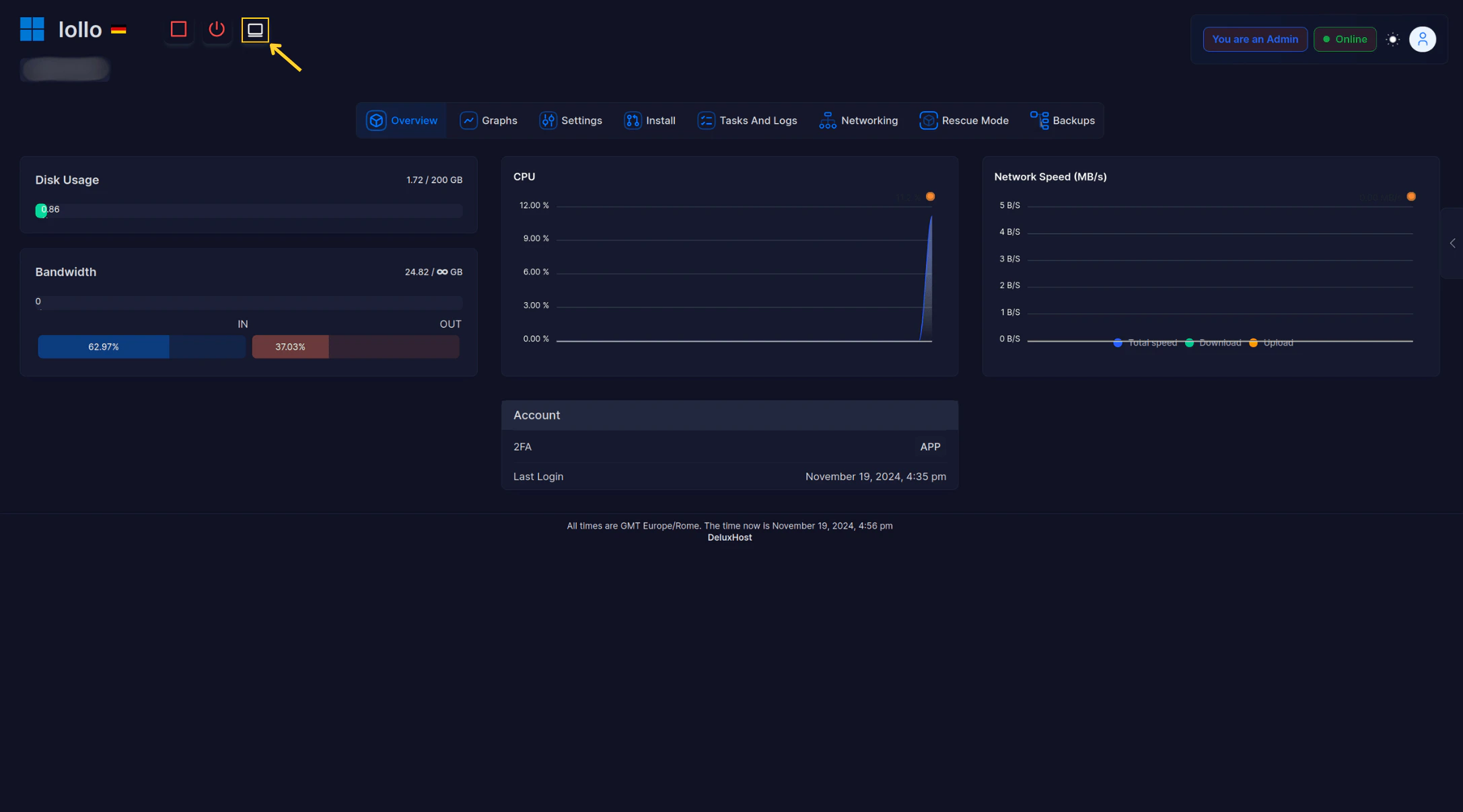
**5.** Now **click** on the monitor in the upper left corner.
**4.** Once activated, wait a **couple** of minutes for the VNC service to turn on, and restart the service.
**5.** Now **click** on the monitor in the upper left corner.
 **6.** On the screen that will appear, you will find the **login credentials** for the rescue system, which can be used via **ssh** or through the built-in terminal by clicking on `Launch rescuesystem`.
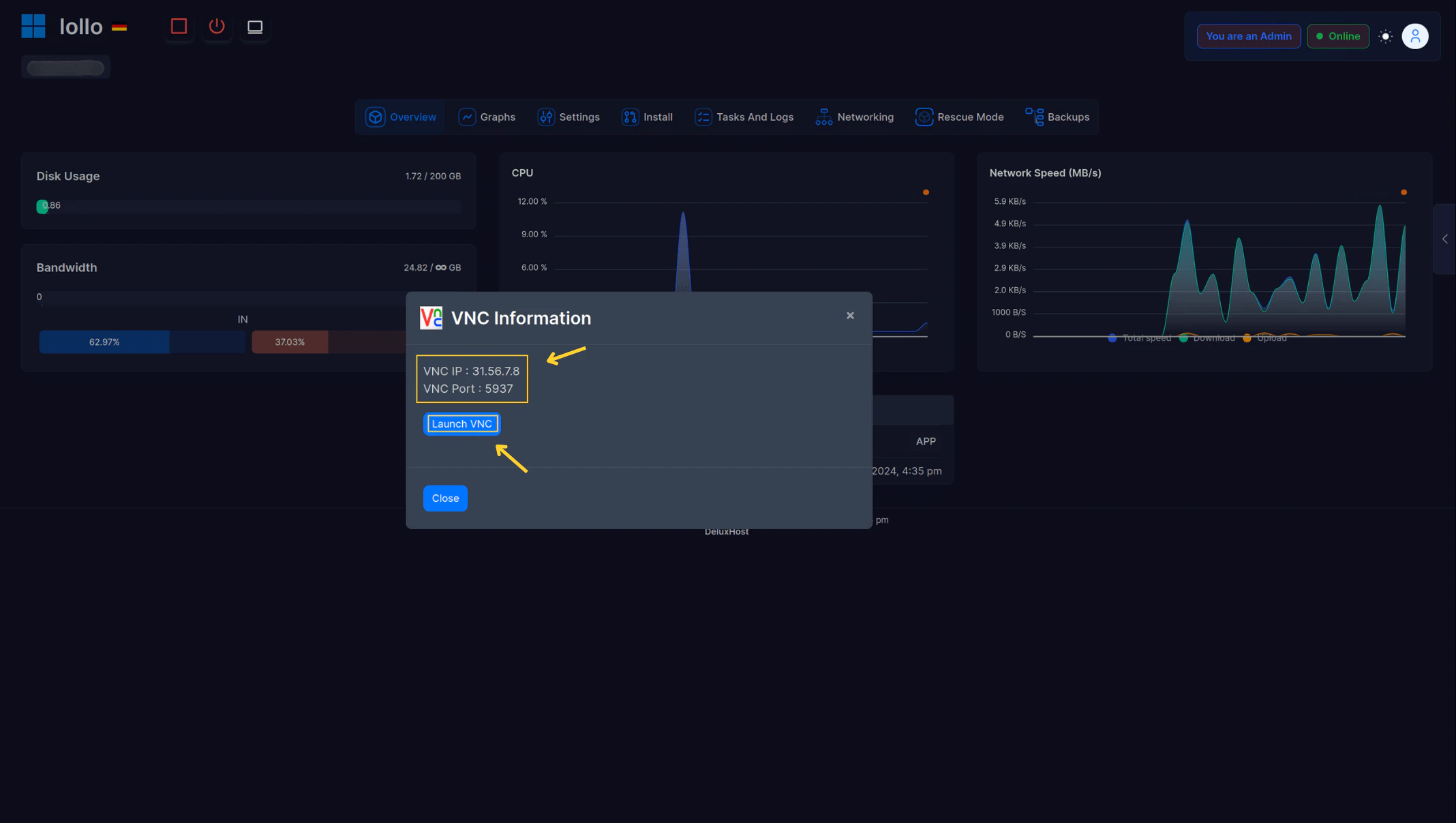 If you want to know how to connect via **ssh**, follow this [guide here](https://documentation.deluxhost.net/vps/connect).